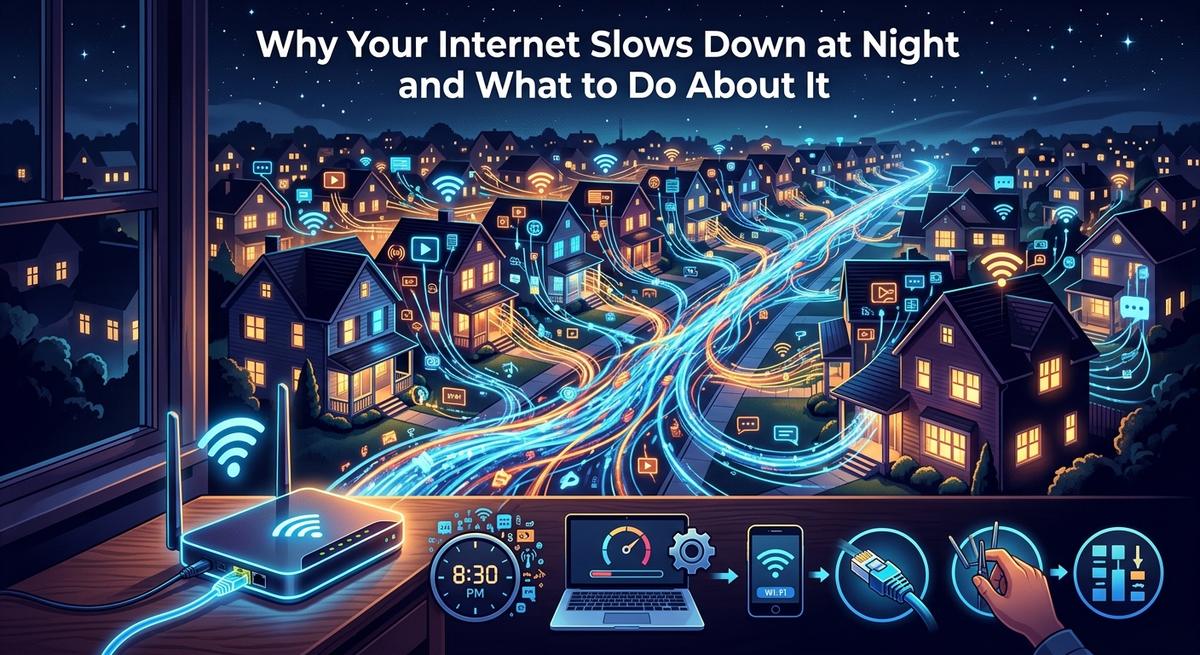
You run a speed test at 7 PM and the numbers make your stomach sink. Forty megabits when your plan promises two hundred. The video call pixelates. The show buffers. Your gaming session turns into a slideshow. Everything was fine this morning. Nothing in your house changed. Yet here you are, staring at a spinning loader and wondering if your ISP is quietly cheating you.
The Short Answer
Evening slowdowns are rarely your fault. The most common cause is your entire neighborhood sharing the same stretch of cable infrastructure during peak hours. ISP throttling can layer on top of that congestion. And your router's heat buildup after a full day of use adds a third factor. Identifying which one is hitting you tells you exactly where to aim the fix, and most of the solutions cost nothing at all.
The Shared Pipe Problem in Your Neighborhood
Cable internet does not work the way most people picture it. You are not connected to your ISP through a private line that runs directly to their network. Instead, your home shares a physical node with dozens or even hundreds of neighboring households. That shared segment of coaxial cable has a fixed capacity, and everyone on it draws from the same pool at the same time.
During the day, most people are at work or school. Traffic is light. Your share of that capacity is generous. Then five o'clock hits. People come home. Devices wake up. Streaming starts, video calls begin, and gaming consoles come online all at once. Every device on that shared node competes for the same bandwidth. Your actual throughput can drop dramatically, even though your ISP has not changed a single setting on its end.
This phenomenon is called network congestion, and it is the leading reason US cable internet subscribers see slower speeds in the evening. Fiber-to-the-home connections are less vulnerable because fiber networks use different architecture, but most US households still rely on hybrid fiber-coaxial service where the last stretch into the home runs on shared copper. That shared segment is the bottleneck.
How Speed Tests Reveal the Pattern
The most useful thing you can do right now is run a speed test more than once and compare the results across different times of day. Run one at 9 AM on a weekday, then run the exact same test at 8 PM using the same server for a fair comparison.
If your morning result sits close to your plan's advertised speed and your evening result is significantly lower, that gap is your congestion signature. A drop of more than 30 percent between off-peak and peak hours is a strong signal that your node is overloaded. A drop of 60 percent or more is not unusual in densely populated areas where the cable infrastructure has not been upgraded in years.
Write down each result with a timestamp. That data becomes your evidence if you need to contact your ISP or make a case for a service credit. A single bad result proves nothing. A consistent pattern across multiple days proves everything.
ISP Throttling and the Difference From Congestion
Throttling is different from congestion, though both show up as slow speeds. With congestion, your ISP is not intentionally limiting you. The pipe is simply full. With throttling, your ISP is deliberately slowing your speeds under specific conditions.
Some ISPs throttle certain types of traffic during busy hours, particularly streaming video or peer-to-peer transfers. Others throttle users who have hit a data cap, even on plans marketed as unlimited. Understanding what your service agreement actually guarantees is a starting point. The FCC's broadband speed guidance explains how providers are expected to disclose their network management practices and what advertised speeds are supposed to reflect in real-world conditions.
One practical way to test for throttling is to run a speed test through a VPN. If your speeds improve noticeably once your traffic is encrypted, that is a reasonable indicator that your ISP is inspecting and slowing specific traffic types. This is not a perfect test, but it gives you something concrete to bring up with your provider.
Your Router Could Be Part of the Problem
Here is something most guides skip. Your router gets hot. Consumer routers are designed to handle a reasonable volume of traffic, but sustained use throughout the day raises internal temperatures. By evening, a router that has been running for ten or twelve hours may be quietly throttling its own performance to protect the hardware from damage.
Check where your router is sitting. If it lives in a cabinet, on a carpeted floor, or surrounded by other electronics, it has nowhere to push heat. Routers need ventilation on all sides. Moving the device to an open shelf with the vents unobstructed can make a measurable difference in stability.
A simple restart can also help. Rebooting your router clears its memory, resets the connection tables, and gives the hardware a brief cooldown. Many households never restart their router unless something visibly breaks, but a weekly restart takes thirty seconds and can recover speeds that have quietly degraded over days of continuous use.
Older routers are a separate concern. A device more than five years old may genuinely lack the processing power to handle modern internet speeds and the volume of devices connected in a typical home. If your router predates Wi-Fi 6, upgrading it may address more than just evening slowdowns.
Spotting the Difference Between Congestion, Throttling, and Router Issues
All three causes look similar from the inside: your connection feels slow and frustrating. But they have distinct patterns that a little attention will reveal. Congestion follows the clock. Throttling follows your activity type. Router issues follow your hardware's uptime. Knowing which pattern matches your experience tells you where to act first.
Diagnosing the Cause at a Glance
| Cause | What You Notice | How to Confirm |
|---|---|---|
| Network congestion | Slow evenings, fast mornings | Compare speed tests at 9 AM vs. 8 PM on the same server |
| ISP throttling | Slow for streaming or gaming specifically | Test speeds with and without a VPN; check data cap usage |
| Router heat or age | Speeds drop gradually across the day | Reboot the router and note whether speeds recover |
Ruling Out an Outage Before You Do Anything Else
Before rearranging your furniture or calling your ISP, take ninety seconds to check whether there is a known outage in your area. A neighborhood-level outage affects everyone on the same node and looks exactly like severe congestion from inside your house. The fix for an outage is patience, not troubleshooting.
An ISP outage tracker shows reported issues by provider in near real time, so you can confirm whether the problem is on your provider's side before assuming it originates in your home. If there is an active outage, you can skip every diagnostic step and simply wait it out. This one check alone saves a lot of wasted effort.
Practical Fixes That Cost You Nothing
Once you have confirmed there is no outage and you have a rough sense of whether the issue is congestion, throttling, or router-related, there are several approaches worth trying before you spend a dollar.
Changing your DNS server is one of the fastest free adjustments available. Your ISP's default DNS servers can become slow or overloaded during peak hours. Switching to a public DNS service like Cloudflare's 1.1.1.1 or Google's 8.8.8.8 in your router settings takes about five minutes. It will not increase raw download speed, but it can meaningfully reduce how long it takes pages to load and connections to establish.
Scheduling large downloads for off-peak hours is another zero-cost move. Most gaming consoles and streaming devices let you schedule updates for overnight delivery. Shifting that background traffic to 2 AM instead of 8 PM frees up your connection during the hours you actually use it.
For remote workers and gamers, switching from Wi-Fi to a wired Ethernet connection removes one variable entirely. Wi-Fi performance degrades in the evening as neighboring networks compete on the same wireless channels. A direct cable connection to your router bypasses that interference and delivers more consistent speeds regardless of what your neighbors are doing.
When to Push Back on Your ISP
Consistent, documented evening slowdowns are a legitimate reason to contact your ISP. Come prepared with speed test data from multiple days and multiple times of day. Note the dates, the times, and the results in a simple log. That pattern is harder for a support representative to dismiss than a vague complaint about slow internet.
Ask specifically whether your node is overcrowded and whether any infrastructure upgrades are planned for your area. ISPs are required to disclose certain network management practices, and asking the question creates a record. If speeds are consistently well below the advertised rate during peak hours, you may qualify for a service credit or a plan adjustment depending on your service agreement terms.
Switching providers is worth investigating if a competing service has built fiber infrastructure at your address. Fiber-to-the-home connections are far less affected by neighborhood congestion because each home gets a dedicated fiber strand rather than sharing coaxial bandwidth with nearby addresses. Coverage has expanded significantly over the past few years, and your options may be different from what they were the last time you checked.
Getting Your Evenings Back
Slow internet at night feels personal. It feels like something broke, or like your ISP is quietly failing you. The reality is usually more straightforward: a shared node full of neighbors streaming the same shows, a router that has been running hot since morning, or a throttle on traffic types your ISP decided to manage during busy hours.
None of those causes require you to simply accept the situation. A speed test at different times of day gives you the evidence. Checking for outages first saves you effort. Adjusting your router placement, restarting your hardware regularly, and making one call to your ISP armed with documented data are concrete steps that have solved this exact problem for countless households.
Your evening connection is fixable. Start with the data, work through the causes in order, and you will land on the answer faster than you expect.